
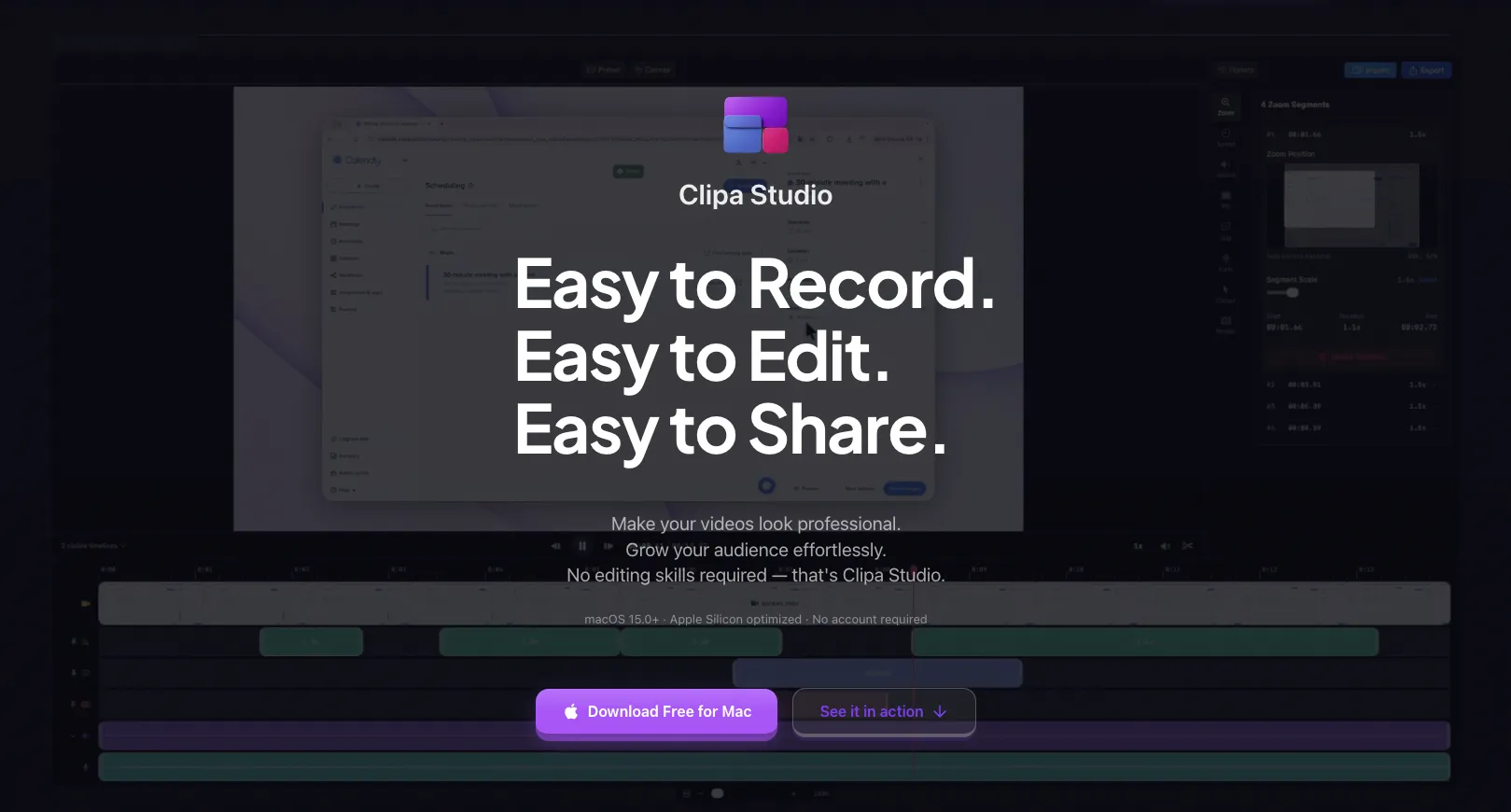
Be honest — how much of your week disappears into making product demos?
You fire up OBS, fiddle with scenes and audio sources, and by the time everything's set up, you've forgotten what you wanted to record in the first place. You finally capture the clip, then drag it into a separate editor, wrestle with a timeline built for Hollywood, and export something that took three hours to make a two-minute video.
If any of this sounds familiar, Clipa Studio was built for you.
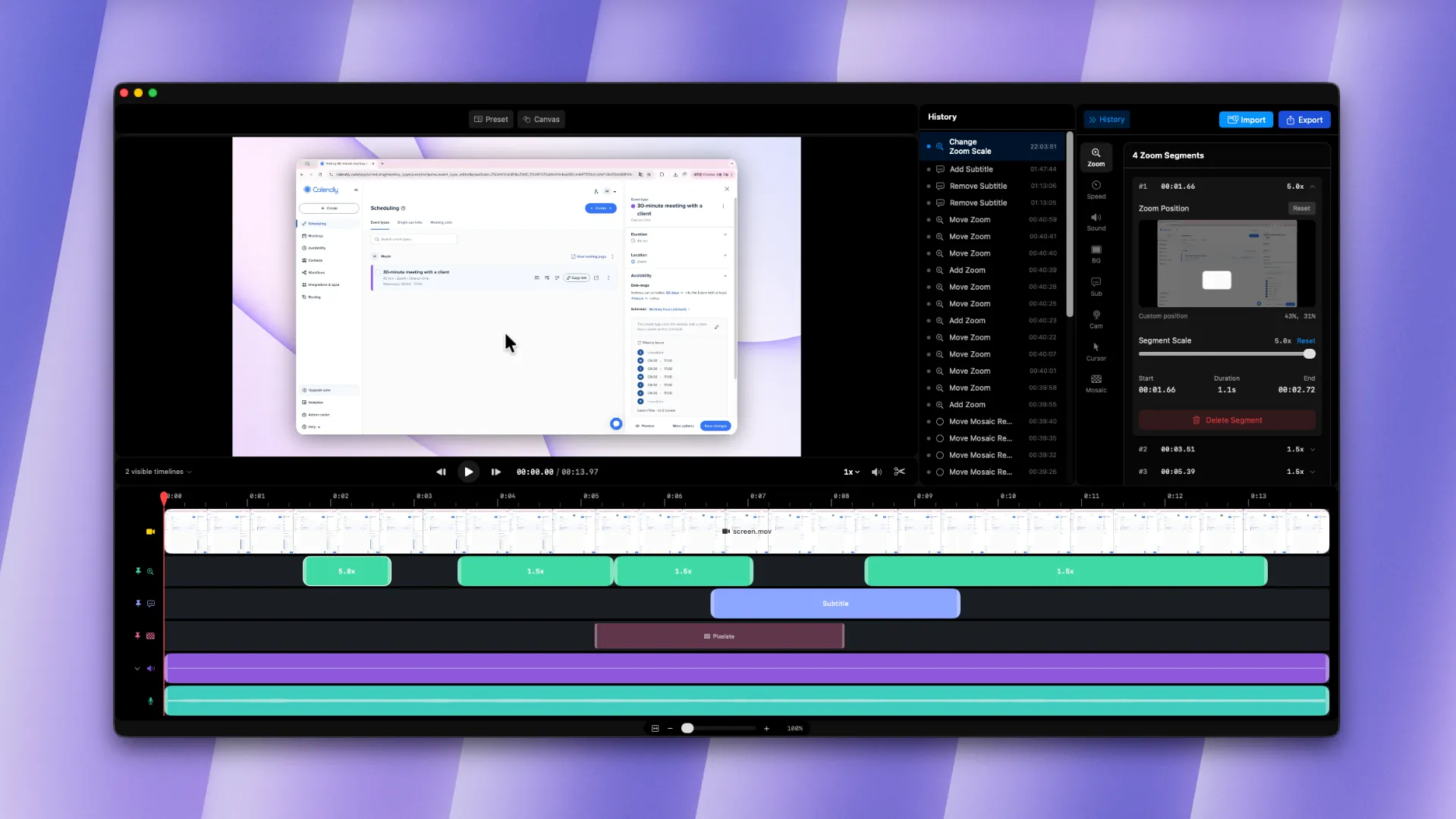
Clipa is a native macOS app that collapses the entire screen-recording pipeline — capture, edit, polish, export — into one tool. Hit record. Edit inline. Ship. No app-switching, no plugin hunts, no format headaches.
One-Click Auto Zoom That Keeps Viewers Locked In
Before auto zoom
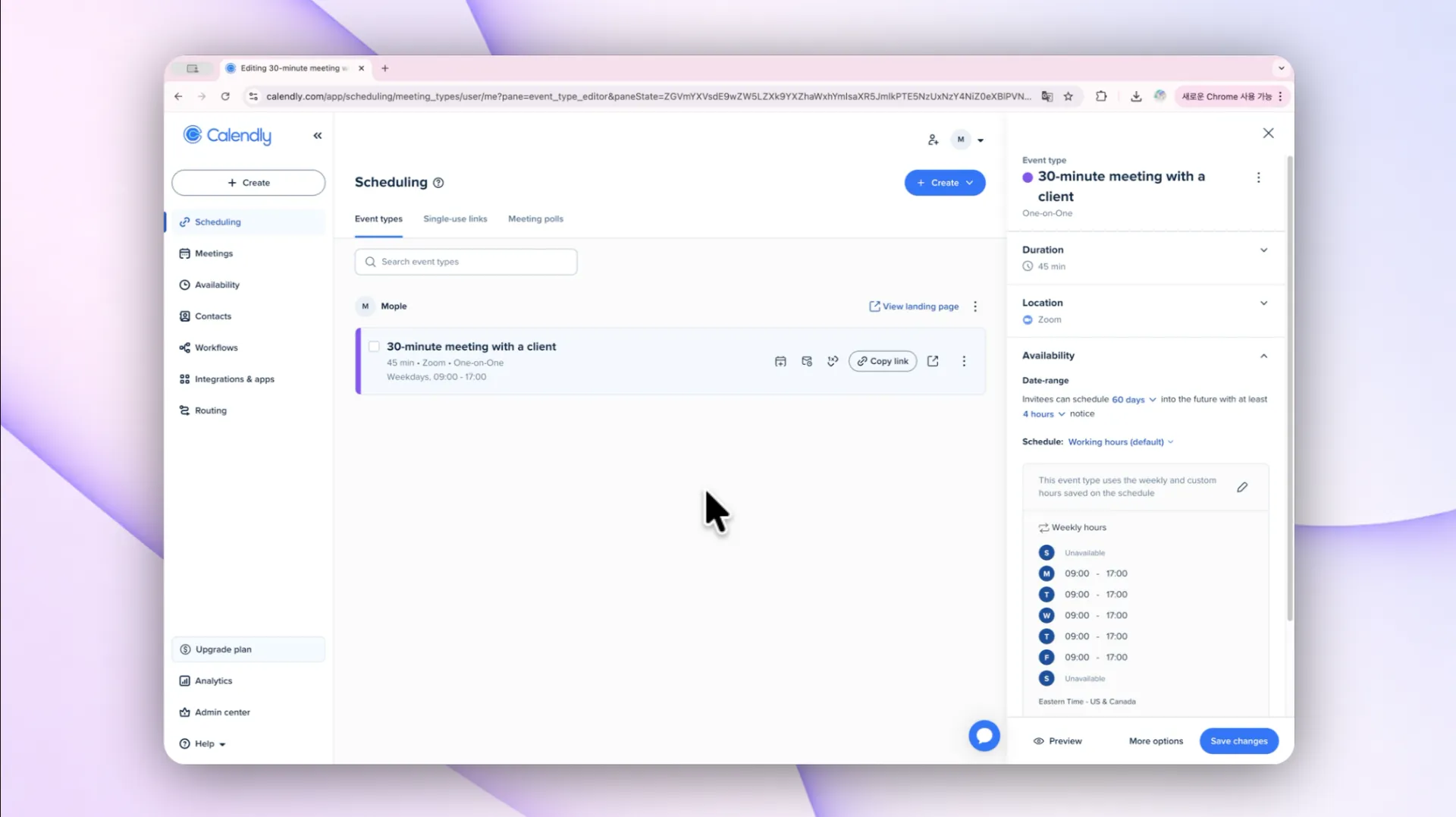
After auto zoom
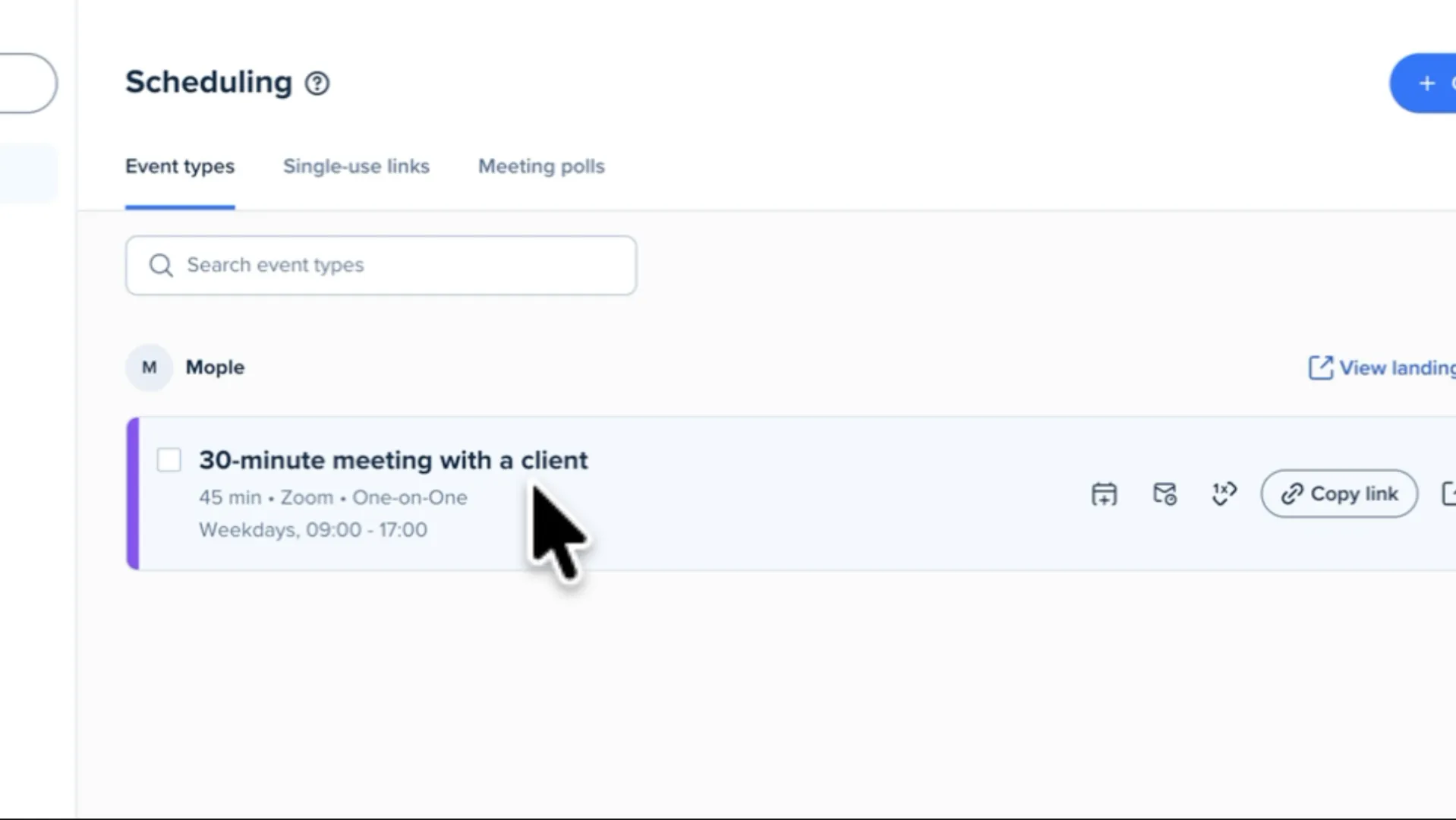
The hardest part of a good tutorial isn't the recording — it's making sure your viewer can actually follow your cursor. Miss a click and you've lost them.
Clipa Studio's auto zoom fixes this automatically. The moment you click, the frame smoothly zooms in on your cursor location. But this isn't a crude digital zoom:
- Physics-based spring animations make every movement feel natural, never jerky
- Smart dead zones ignore tiny jitters so the camera doesn't chase every twitch
- Edge correction keeps the focus point visible even when you click near the screen border
- Intelligent panning moves the view when you click somewhere new, instead of zooming out and back in
- Auto zoom-out returns to full frame when the action ends
The result: your viewers stay focused on what matters, and you stop manually keyframing zooms for every click.
Editing That Doesn't Require a Manual
Video editing has a reputation for being painful. Clipa Studio throws that reputation out the window.
The editor is built around clean, purpose-built tab panels — each tool lives exactly where you'd expect it. Want to add a zoom region? One click on the timeline. No nested dialogs, no hidden menus, no "why isn't this working" tutorials.
Familiar shortcuts just work: Cmd+Z to undo, Cmd+Shift+Z to redo. Every change shows up instantly in the live preview, so you're always editing against what your audience will actually see.
Professional Tools, Without the Professional Complexity
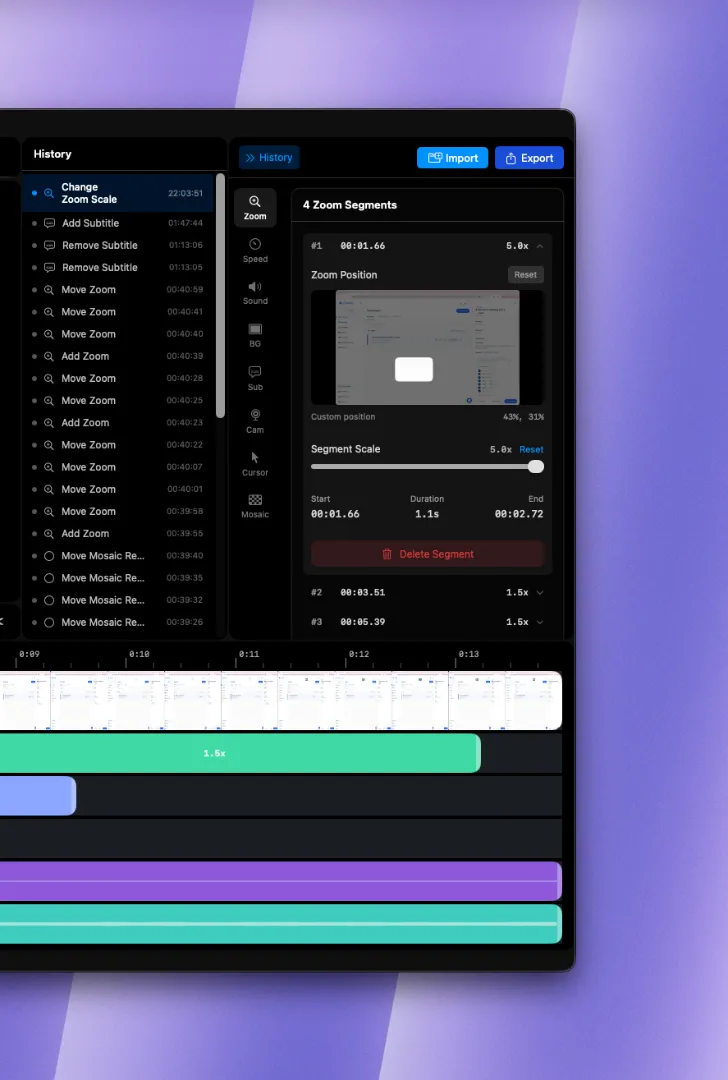
Simple doesn't mean stripped-down. Clipa Studio ships with every tool a serious creator needs:
- Trimming — Drag in/out points freely, with playback speeds from 0.25x to 3.0x
- Cropping — 16:9, 9:16 (vertical), 4:3, 1:1 presets plus free-ratio cropping
- Text overlays — Timecode-based captions with full font and style control
- Background styles — Solid colors, blur, or custom image backgrounds
- Audio mixing — Record system audio and microphone on separate tracks, adjust levels independently
Behind the scenes, 13 specialized renderers handle output quality for each feature, making sure your final export looks as clean as your preview.
On-Device AI Upscaling — No Cloud Required
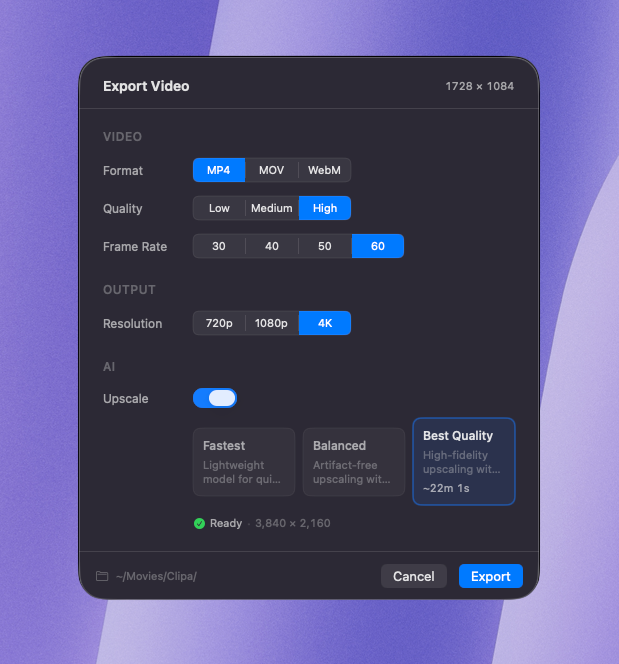 Recorded something at a low resolution and now it looks fuzzy? Clipa Studio's AI upscaling has you covered.
Powered by a Real-ESRGAN super-resolution model running on the Apple Silicon Neural Engine, Clipa upscales footage at 2x, 3x, or 4x — entirely on your Mac.
This matters for two reasons:
- Privacy. Your recordings never leave your machine. No uploads, no cloud servers, no data retention policies to read.
- Reliability. It works on a plane, in a coffee shop with bad Wi-Fi, or anywhere else. Offline is a first-class citizen.
Tile-based processing and memory optimization mean even long videos upscale cleanly without crashing or thermal throttling.
Who Is Clipa Studio For?
Clipa Studio is built for anyone who needs polished screen recordings without the overhead:
- Product managers and marketers shipping demos and feature walkthroughs
- Engineers recording technical tutorials, architecture explainers, or bug repros
- Educators and content creators producing course material and lesson videos
- Any Mac user who just wants fast, clean screen recordings without a steep learning curve
One App. One Workflow. Done.
Record. Edit. Export. That's the entire loop — inside a single native app, running at full speed on your Mac.
If screen recording has ever felt like more work than the thing you were trying to record, Clipa Studio is the fix. Download Clipa and see how fast "I should make a demo for this" can turn into "here's the demo."
Clipa Studio is available for macOS on Apple Silicon and Intel Macs. Try Clipa today and see why creators are replacing their entire screen-recording stack with one app.